How GA4 thinks
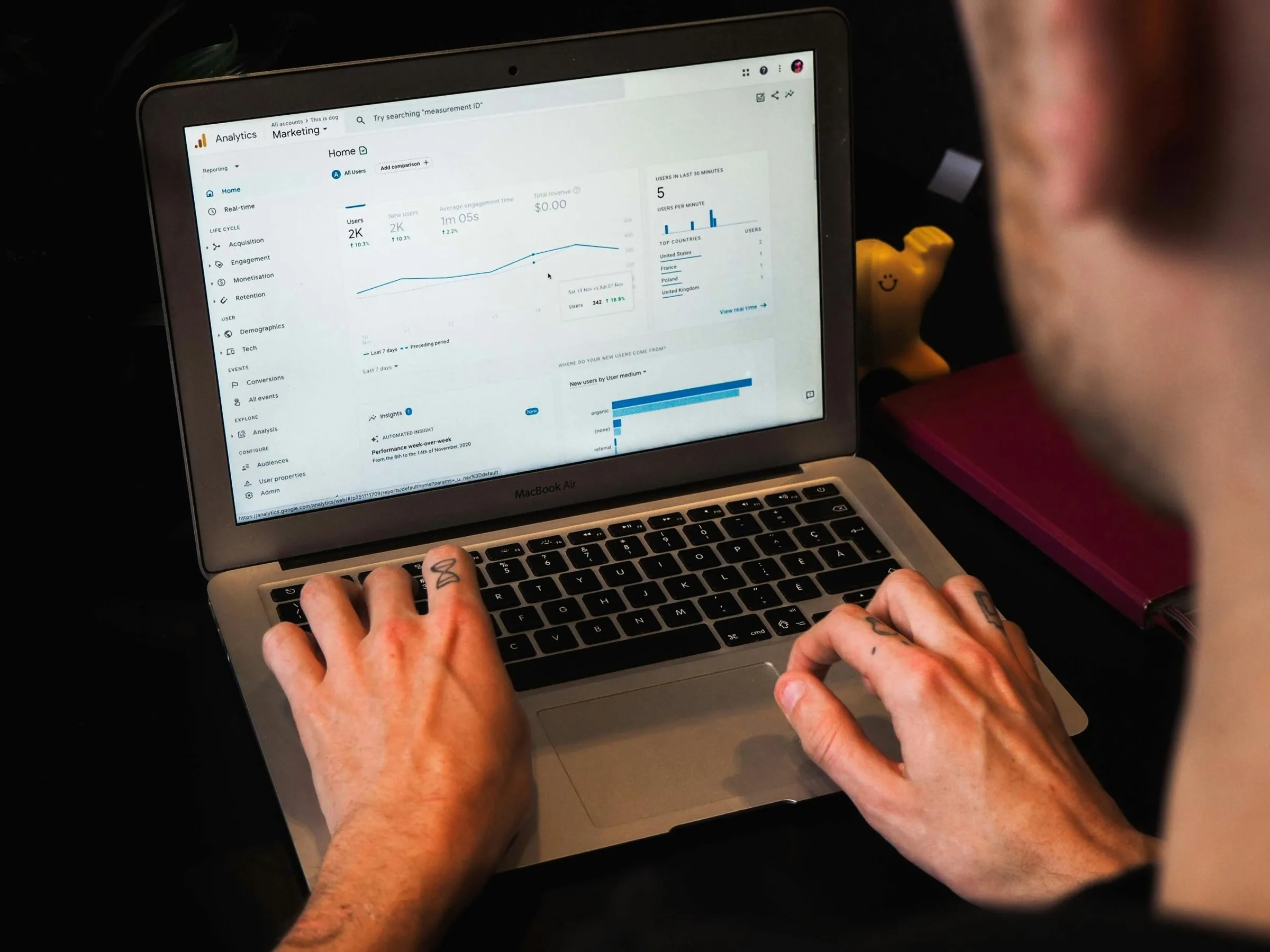
Google Analytics 4 (GA4) records everything as events: a page view, a scroll, a click, a form sent, a purchase. Some are collected automatically. Others you set up yourself, or through your website platform.
The reports are built from those events. So most problems in GA4 come down to one of two things: an event isn't being recorded, or it's recorded but not marked as important.
Key events and conversions
In March 2024, Google renamed GA4's conversions to key events. The idea was to stop GA4 and Google Ads using the same word for different things.
Now a key event is an action that matters to your business, like a purchase or a form sent. A conversion is a key event you've shared with Google Ads, where it can be used for bidding. Google's help pages say only conversions are eligible for bidding and reporting in Google Ads.
So if your GA4 shows key events and your Google Ads shows conversions, and the numbers differ, that's expected. Our guide to conversion tracking in Google Ads covers the Ads side.
The settings to check first
Check these in Admin:
- Data retention is set to 14 months, not the 2 month default.
- Your purchases, leads and sign-ups are marked as key events.
- Purchases send a real value, so revenue reports work.
- Internal traffic from your own office is filtered out.
- Google Ads is linked, and the right key events are shared as conversions.
- Consent mode is set up to match your cookie banner.
Data retention catches a lot of people out. For standard properties you can choose 2 months or 14 months. The setting doesn't affect the standard reports, only explorations and funnel reports. But those are the ones you'll want when you dig into a year-on-year question, so set it to 14 months now.
Tag your campaign links
GA4 works out where visitors came from. For your own campaigns, like emails, social posts and partner links, it needs help. That help is UTM parameters: tags added to the end of a link that say the source, the medium and the campaign.
Without them, a click from your newsletter can show up as direct traffic, and the email gets no credit at all. Agree a simple naming convention and stick to it. Lower case, no spaces, the same words every time. A report split across "Email", "email" and "e-mail" is three times harder to read.
Which GA4 reports are worth using?
Most marketers need only a few:
- Traffic acquisition: where sessions came from, and which sources lead to key events.
- Landing pages: which pages people arrive on, and which ones keep them.
- Advertising, then attribution: how credit is shared across channels, and how it changes under different models.
- Explorations: for one-off questions, like the path people take before buying.
GA4 offers three attribution models: data-driven, paid and organic last click, and Google paid channels last click. Data-driven is the default. Our guide to marketing attribution explains what each one can and can't tell you.
What about consent?
GA4 sets cookies, so UK cookie rules apply. Since 2026, some analytics cookies can run without consent, but the exemption is narrow, and linking GA4 to advertising usually takes you outside it. Our marketing measurement guide covers the change. Most businesses still need a cookie banner, with consent mode passing the choice to Google.
What GA4 can't tell you
GA4 sees what happens on your website. It doesn't see a phone call that closes a sale, a deal won in a meeting, or a customer who saw your ad on TV. And it can't tell you whether a sale would have happened without the marketing.
So treat it as one source among several. For lead generation, bring closed sales back in from your customer system where you can. For the question of what marketing really adds, use tests, which our guide to incrementality testing explains. GA4 is excellent at showing behaviour on your site, and much weaker at proving cause.
A half-hour audit
If you've inherited a GA4 property, start here. Check the retention setting. Make a test purchase or send a test form, and confirm it appears as a key event with the right value. Compare a month of GA4 purchases with your own sales system. A gap of some size is normal, because of consent and blockers. A gap of half is a tracking problem.
Questions people ask
Why doesn't GA4 match Google Ads?
They measure different things. Google Ads counts conversions after an ad interaction, with its own windows and models. GA4 shares credit across every channel. Consent gaps, time zones and different attribution settings add to the difference. A gap of some size is normal.
Do I still need a cookie banner for GA4?
Usually, yes. UK law now lets some analytics cookies run without consent, but the exemption is narrow and doesn't cover data shared for advertising. If GA4 is linked to Google Ads or used for remarketing, get advice and keep the banner.
Is GA4 free?
The standard version is free. Google Analytics 360, the paid version, adds longer data retention and higher limits for very large sites. Most businesses never need it.
Sources
- Google Analytics Help, Data retention. Checked 27 November 2026.
- Google Analytics Help, Conversions vs key events. Checked 27 November 2026.
- Google Analytics Help, Attribution models. Checked 27 November 2026.